
Live, verified promo codes and deals from every store worth shopping at — checked daily so you never pay full price.
© 2026 Trandy Reviews. All rights reserved.
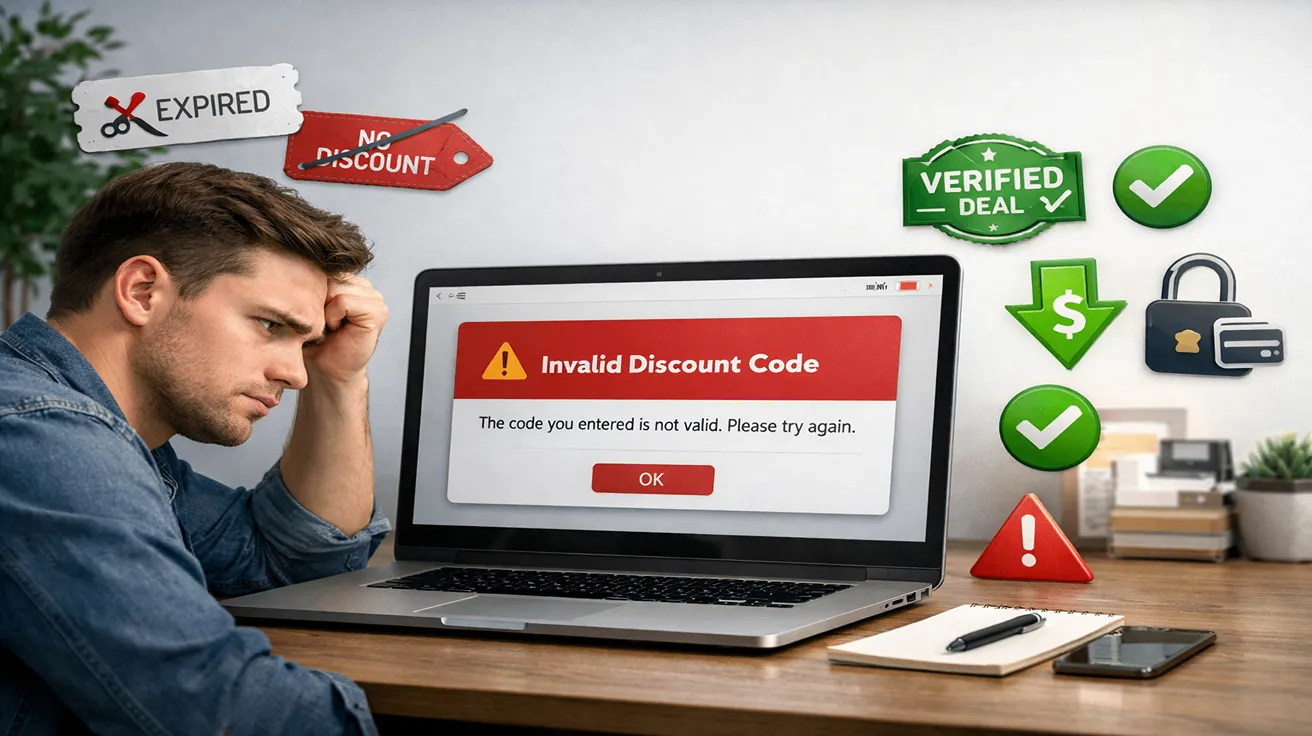
Almost everyone who shops online has faced this problem at
least once. You find a discount code, copy it carefully, paste it at checkout,
and instead of saving money, you see an error message like “Invalid code”
or “This promotion cannot be applied.” It feels annoying and confusing,
especially when you were expecting instant savings.
Discount codes fail more often than people realise, but the
reasons are usually simple. Understanding why this happens — and how to fix it
— can save you time, frustration, and money.
The most common reason a discount code fails is expiration.
Many promo codes are created for a short time, sometimes lasting only a few
days or even hours. Some websites keep displaying old code long after they stop
working.
To avoid this, always check the date or look for recently
updated offers. Fresh deals are more likely to work than codes shared months
ago.
Many brands offer discounts only to first-time buyers. If
you have already shopped with the brand before, the system automatically blocks
the code at checkout.
This happens even if you use a different email address. Some
stores track users through cookies, accounts, or payment details. Reading the
offer terms can help you avoid wasting time applying codes that were never
meant for you.
Some discount codes only work if your cart reaches a
specific amount. For example, a code may require a minimum spend of $50 or
$100. If your cart total is lower, the code will fail.
Before applying a code, check the spending requirement.
Sometimes adding one useful item can unlock the discount, but avoid adding
things you don’t need just to meet the minimum.
Not every product on a website qualifies for discounts.
Brands often exclude sale items, premium products, or specific categories from
promotions.
If your cart contains excluded items, the discount code may
fail entirely. Removing restricted products or checking eligible items can fix
the problem instantly.
Some promo codes only work in specific countries. If you’re
shopping from a different region, the system may reject the code automatically.
This is common with international brands. Always check if
the discount is valid in your country before trying to apply it.
Sometimes a store already applies an automatic discount at checkout.
In these cases, promo codes may not stack with existing offers.
If your cart already shows a reduced price, the system may
prevent you from applying another code. This doesn’t mean the code is fake — it
just means the offer rules don’t allow multiple discounts at once.
It may sound basic, but typing mistakes cause many failed
discount codes. Extra spaces, missing characters, or incorrect capitalisation
can make a valid code fail.
The safest approach is to copy and paste the code directly.
Even one small mistake can prevent it from working.
Unfortunately, not all discount codes online are real. Some
websites publish random or outdated codes just to attract clicks. These fake
offers waste time and frustrate shoppers.
This is why using trusted sources matters. Verified deals
reduce the chances of checkout failures and help you shop with confidence.
The best way to fix discount code problems is to change how
you approach deals:
These simple habits can greatly improve your success rate at
checkout.
If discount codes fail too often, consider alternatives like
automatic sales, free shipping offers, bundle deals, or cashback programs.
These savings methods don’t require codes and are applied instantly.
Shopping smarter doesn’t always mean hunting for codes —
sometimes the best deals are already built into the price.
Discount codes fail for many reasons, but most issues are
avoidable. By understanding the rules behind promotions and relying on trusted
sources, you can save money without frustration. Smart shopping is about
patience, awareness, and using reliable platforms instead of random offers.
If you’re looking for verified deals, working discounts,
and reliable savings opportunities, you can explore this trusted deals and coupons platform
that focuses on real value and helps shoppers avoid checkout issues.